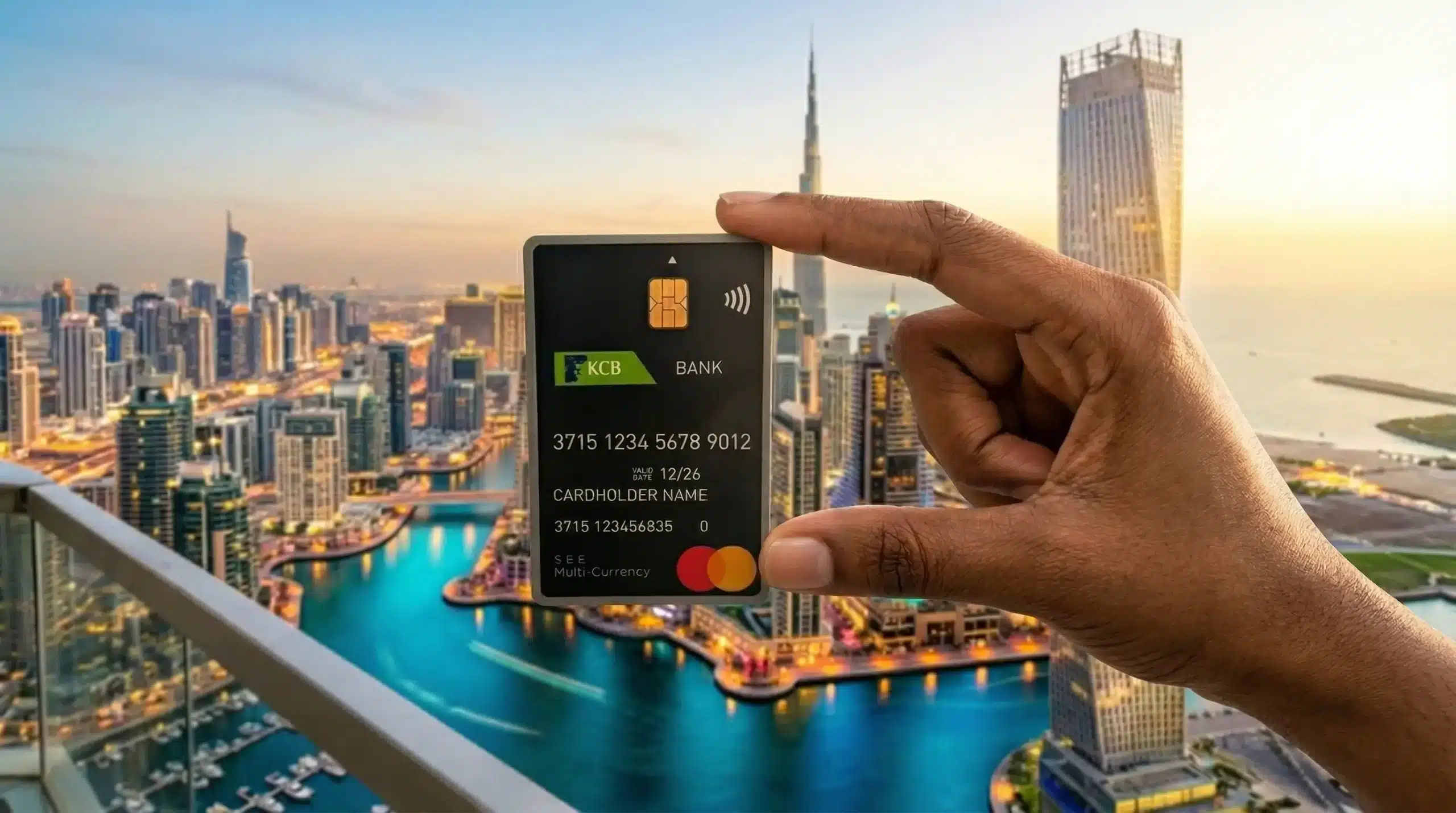
When I was planning my Dubai trip, one of the things I wanted to sort out this time around was a multi-currency travel card.
I didn’t want to use my regular current account card while travelling, I wanted something separate, just for the trip. You don’t want unwanted transactions going through 🙂
On previous UAE trips, I was using an NCBA card, but I wanted something better. The NCBA card only supported about three currencies, which felt limiting.
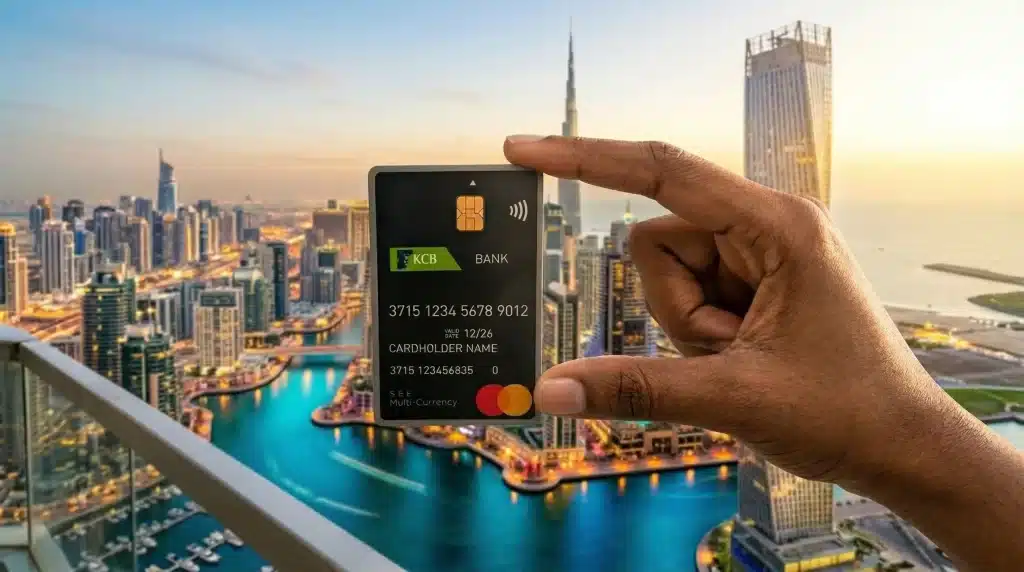
So I did some research and landed on the KCB Multi-Currency Card.
How Does It Actually Work?
The card supports 18 currencies, which honestly is the most I’ve come across from a Kenyan bank. The way it works is pretty simple, you load the card with whichever currencies you need, and when you go to pay somewhere, the card automatically pulls from the right wallet.
Related: While in Dubai, Should I pay Using Local Currency or Home Currency?
So say you’re at a shop that accepts Euros, when you tap, it checks your Euro wallet first. If you have Euros loaded, it uses those.

If not, it falls back to your Kenya Shilling wallet which is the default. The beauty of this is that if you’ve already loaded Euros at the bank’s rate, you’re not losing money on conversion at the point of sale. It’s a small thing but it adds up.
Currencies Supported
Below is a list of all the supported 18 currencies:
- KES – Kenyan Shilling (Kenya)
- USD – United States Dollar (United States)
- GBP – British Pound Sterling (United Kingdom)
- EUR – Euro (Eurozone / European Union countries)
- CAD – Canadian Dollar (Canada)
- AUD – Australian Dollar (Australia)
- CHF – Swiss Franc (Switzerland & Liechtenstein)
- AED – UAE Dirham (United Arab Emirates)
- INR – Indian Rupee (India)
- JPY – Japanese Yen (Japan)
- CNY – Chinese Yuan Renminbi (China)
- ZAR – South African Rand (South Africa)
- TZS – Tanzanian Shilling (Tanzania)
- UGX – Ugandan Shilling (Uganda)
- RWF – Rwandan Franc (Rwanda)
- DKK – Danish Krone (Denmark)
- NOK – Norwegian Krone (Norway)
- SEK – Swedish Krona (Sweden)
How to Get the Card
You need to visit a KCB branch in person. You’ll fill in some forms and provide your ID & KRA PIN documents.
You will also need to pay a card issuance fee of KSH 500.
You don’t need to have a KCB account to get the card, anyone can apply.
It takes approximately three to four days from the date of application to receive your card, so I recommend applying early. Don’t leave it to the last minute.
Once you receive it, they’ll send a code to your phone. Go to the nearest ATM to activate the card using the code and set your new PIN.
Then, 24 hours after activation, you can register on the online portal to manage your balances and everything else from the dashboard.
Loading the Card
Loading cash onto the card is pretty straightforward. If you already have an existing KCB account, you can just transfer money directly from your KCB mobile app to the card.
If you don’t have a KCB account, no worries. You can load via M-Pesa using Paybill number 522522, with your card number as the account number. You can also walk into any branch to load it physically.
One handy thing, it doesn’t have to be you doing the loading. If you’re already travelling, someone back home can load the card on your behalf, either via M-Pesa or by visiting a branch with the currency you want topped up.
Related: How to Send Money to Kenya (M-Pesa & Bank Account) From the UAE (Dubai & Abu Dhabi) with Equity Bank
A Few Things to Watch Out For
There are daily spending limits on the card, and I actually ran into this at a shop in Dubai. I was buying a few things to bring back home and the card declined, I’d hit the daily limit without realising.
So when you’re getting the card, it’s worth talking to the bank about increasing your limits if you think you’ll be spending a fair amount.
One other optional thing I did was I filled in a form to whitelist my trip. Basically you let the bank know you’re travelling to a specific country between certain dates. It’s not mandatory, but it’s a small extra step that can prevent the card from being flagged or declined while you’re away.
Would I Recommend It?
100%. I used it for pretty much everything in Dubai, Ubers, malls, taxis, you name it. Being able to tap it like a regular card while knowing I’d loaded the right currency was really convenient. It made the whole trip a lot smoother financially, and I’ll definitely be using it again.
If you’re travelling from Kenya and want a solid multi-currency card, this one is worth getting.