So there are two apps that I think you absolutely must have when travelling to Dubai. The first is Google Maps, and the second is an eSIM app.
You’ll need Google Maps for directions, that’s non-negotiable in Dubai, while an eSIM app basically gives you mobile data so you can search for things while you’re out and about, and you can also stay in touch with people on WhatsApp or check your emails on the go.
My eSIM of Choice: Airalo
For this trip, I went with Airalo. It’s one of the better eSIM apps out there, and I’ve been pretty happy with it.
Note: Use code UNLIMITED to get 15% off
But before I get into the advantages, let me walk you through how I set it up.
First, go to your app store, download the app, sign up, and fill in your details. Simple enough.
Now here’s the important bit: install and buy your data while you’re still in your home country.
This is really important. If you land in the UAE and try to sort it while there, you’ll get a notification from the app basically saying they are unable to sell eSIMs to users in the country.
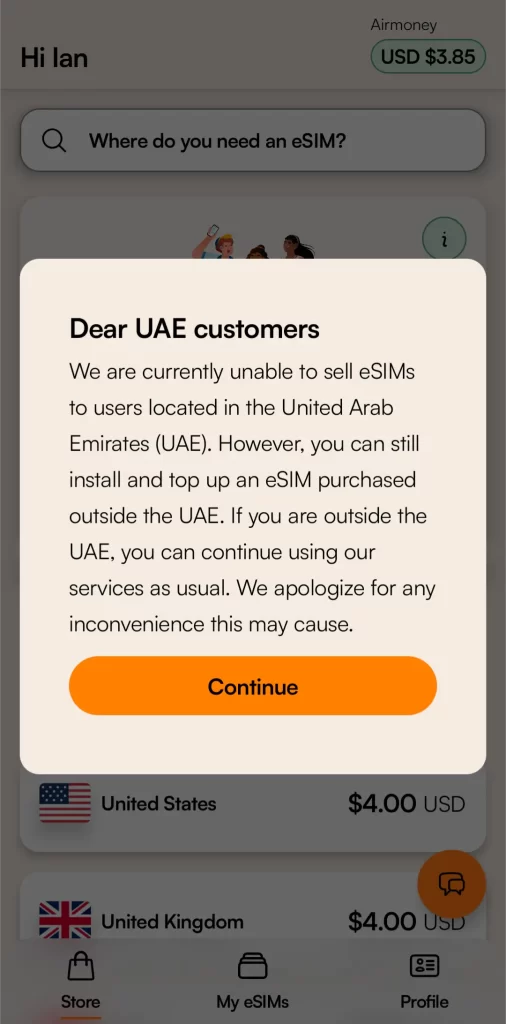
The reason is that the UAE government tends to limit foreign eSIM apps to push people towards the local networks, the two big ones being Etisalat (which is now called e&), and Du, which I’ve used before, and they’re decent.
I have also written a more comprehensive article listing other top eSIMs to choose from when traveling to Dubai and the wider UAE, which you can have a look at.
Setting It Up
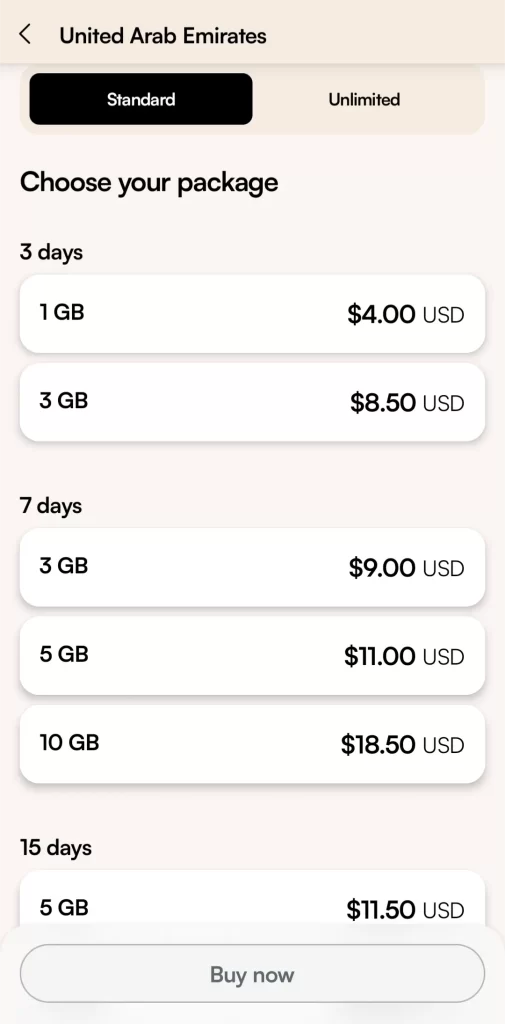
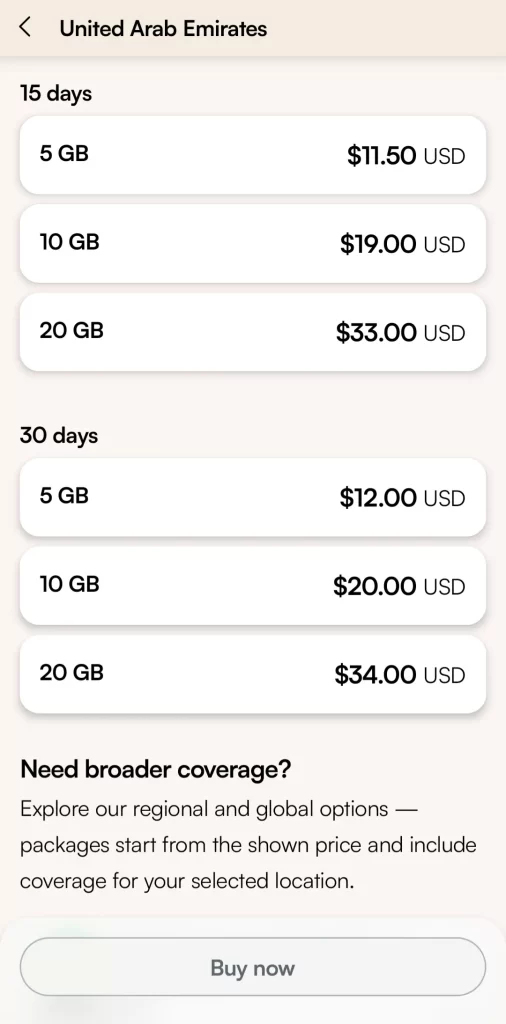
Once you’re in the app, search for the UAE and pick a package.
Packages usually vary by number of days and how much data you want. I’ve found that going for a 7-day package works best for me as most of my trips are around that length anyway, so I don’t have to stress about running out of data.
Then just follow the on-screen instructions to install the eSIM on your phone. If you’ve done everything and it still doesn’t seem to be working, try switching on Airplane Mode and switching it off again. That has worked for me a number of times.
What I Like About It
It’s really easy to use, the app is straightforward, and topping up is easy. It’s also pretty affordable. A 7-day package costs between $9 to $18, and you get a good amount of data for that.
The data itself worked well throughout my trip, so no complaints there.
The One Downside
You can’t make local calls with it, it’s data only. So WhatsApp, browsing, email, all fine.
But dialling local numbers isn’t an option. Just something to keep in mind.
Related: Is WhatsApp available in Dubai
Also worth mentioning: Airalo sends you notifications when your data is getting low, around 25% and 10%, which is handy.
So yeah, that’s basically it. It’s a must-have app if you’re travelling to Dubai. Really makes things so much easier when you’re on the go. Highly recommend it.
Disclaimer: If you purchase a data bundle through the links in this article, I do earn a small commission. It helps keep the content going — appreciate the support!